Pro-grade tools for your iPhone, iPad & Mac
Manage servers over SSH, open any file, and test every sensor of your device. Fast, private, and built with care by an indie developer.
- iPhone · iPad · Mac
- No ads
- Privacy first
- Apps
- 6
- Articles
- 116
- Language
- 8
Apps
Our apps
Each app solves one job really well. No ads, no tracking, no nonsense.

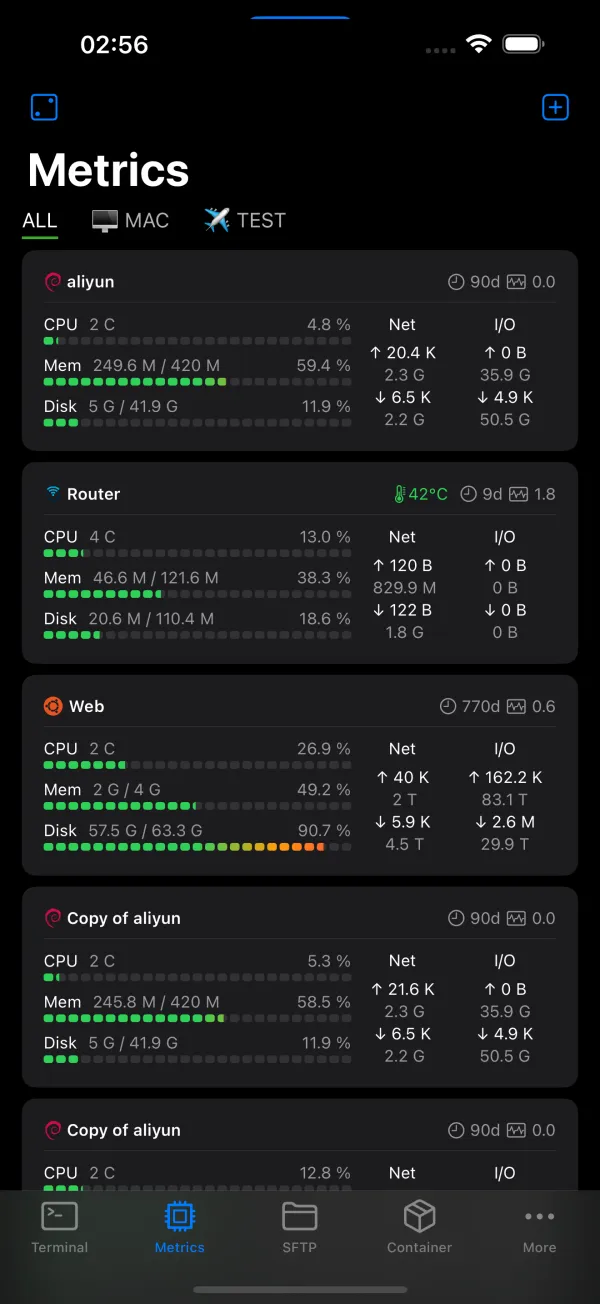
NeoServer
SSH, Mosh, Docker & SFTP client for iPhone, iPad and Mac

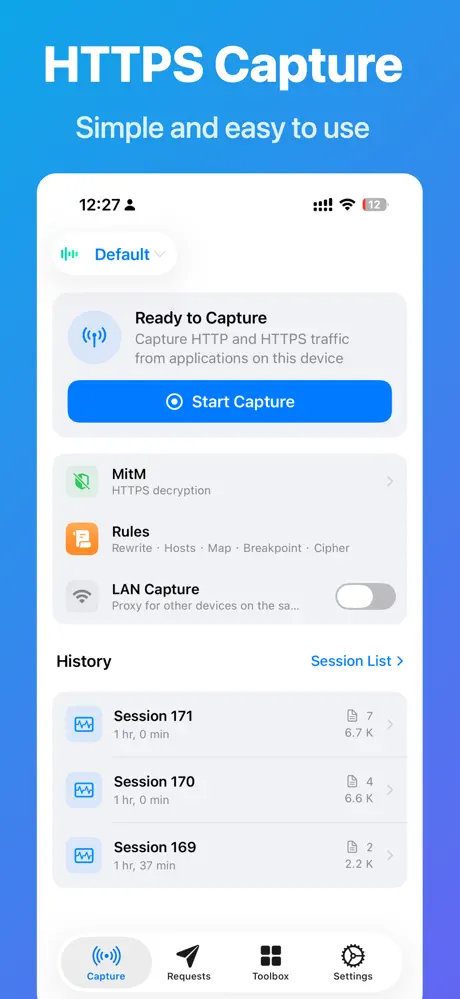
HTTPS Capture
Capture and decrypt HTTPS traffic on iPhone

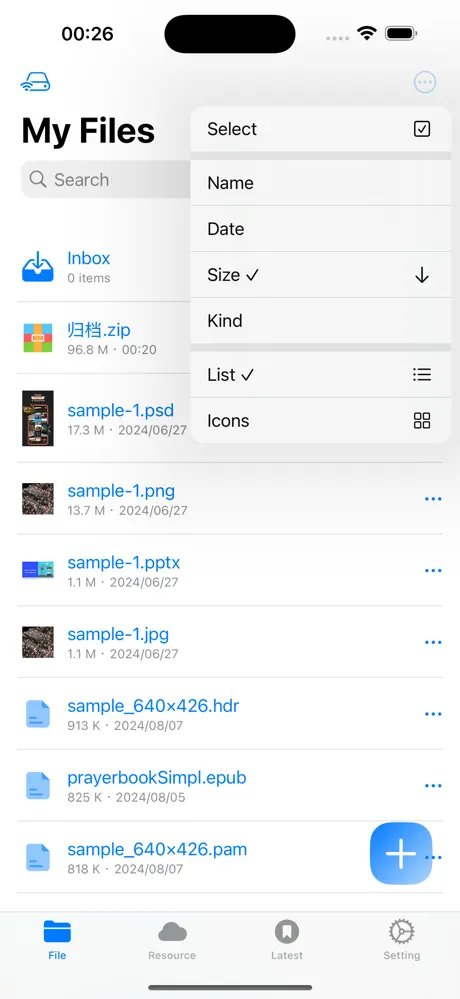
Fileso
File manager, PDF editor and powerful file tools
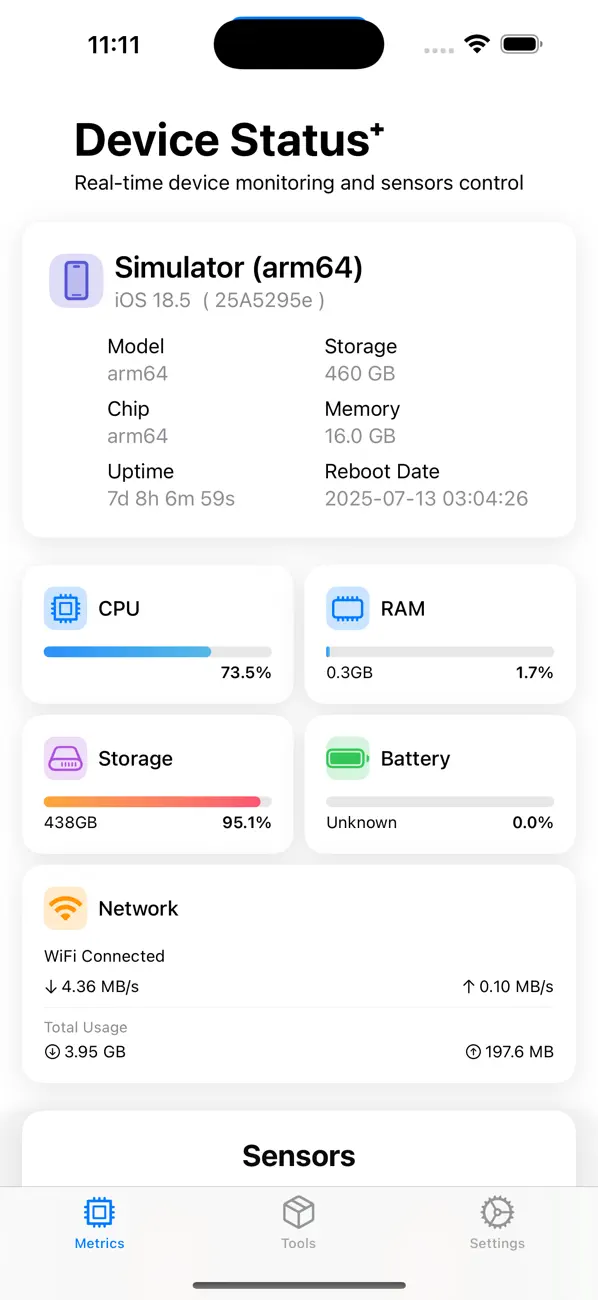
Device Status⁺
Monitor and test your iPhone hardware

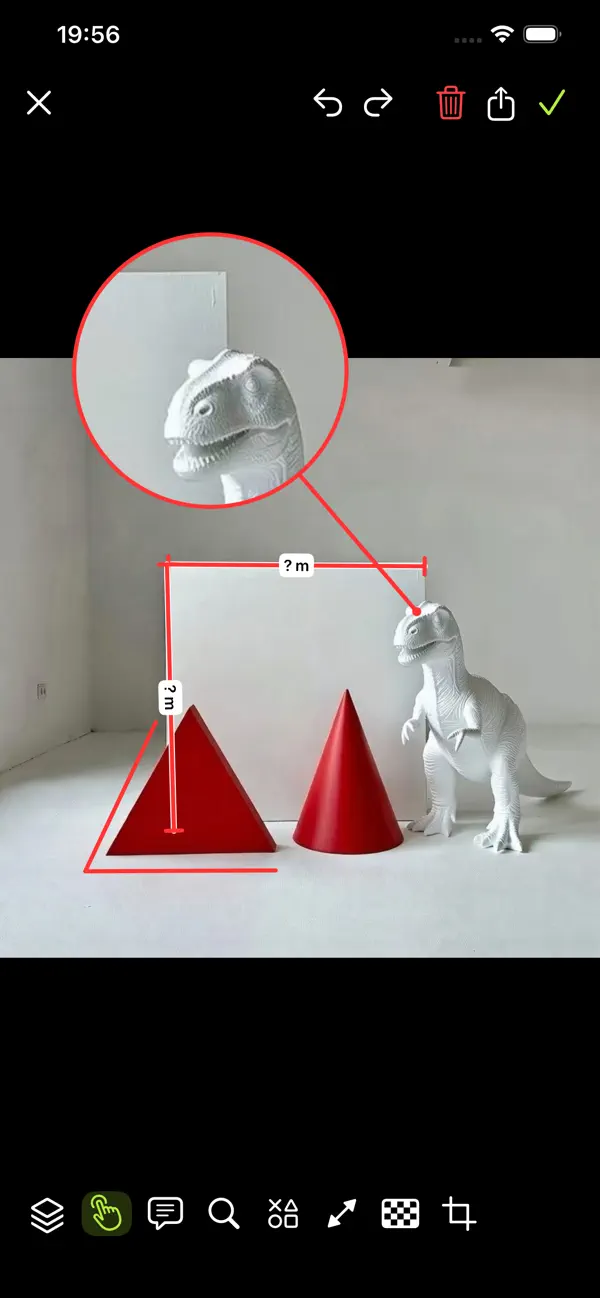
MarkX
Professional image annotation and measurement

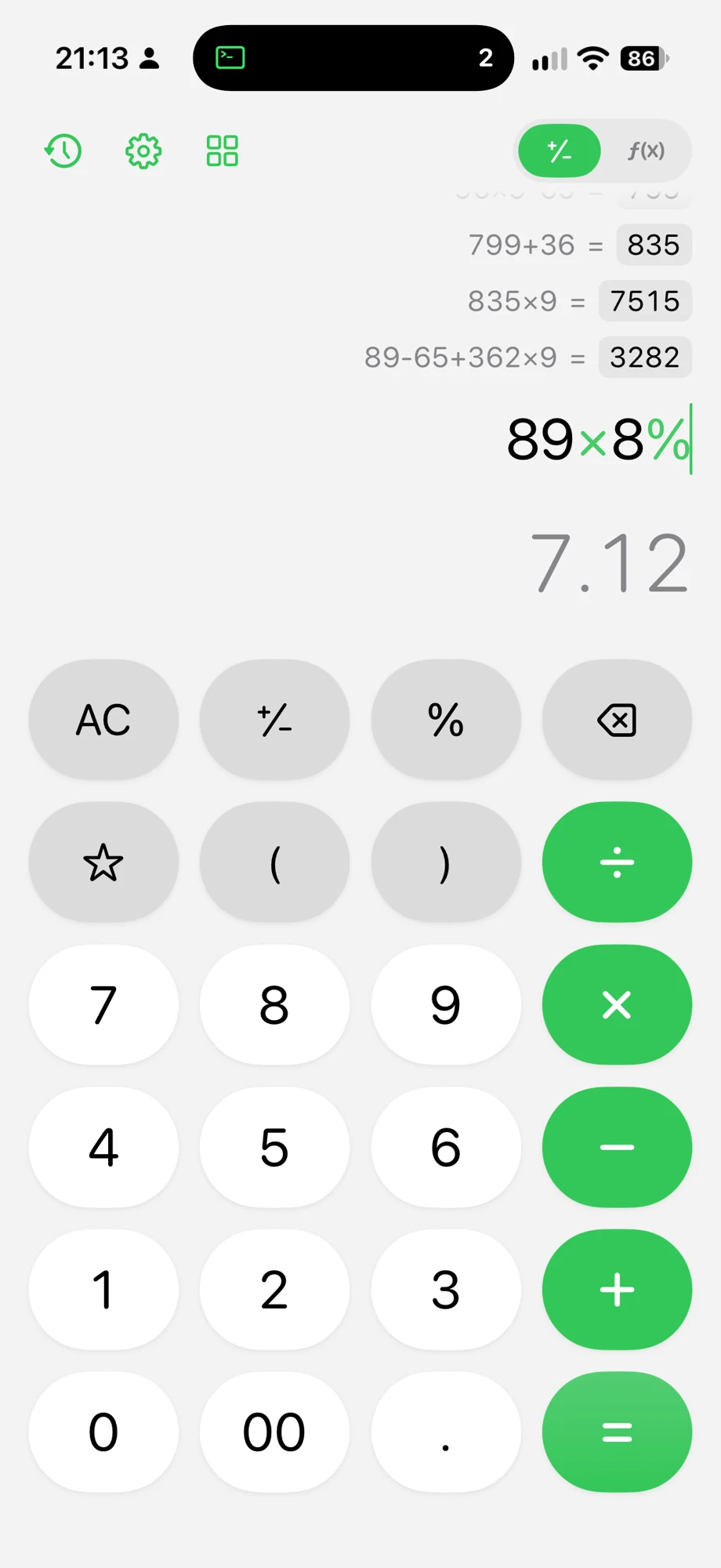
Calo
Everyday math, scientific power, useful tools
Blog
Latest articles
NeoServerZMODEM File Transfer on iOS and macOS: rz Uploads, sz Downloads, and CRC in NeoServer
Transfer files inside a NeoServer SSH terminal with rz and sz. Learn the iOS and macOS app scope, upload and download steps, CRC checks, and transfer limits.
4 min read
NeoServerOSC 7501 Program Status Notifications in NeoServer for iOS and macOS
Get terminal task completion, failure, and approval notifications in NeoServer on iOS and macOS. Learn how to enable OSC 7501 alerts and test them over SSH.
4 min read
FilesoHow to Add Voice Notes and Audio to a PDF on iPhone with Fileso
Record a voice note or import audio into a PDF in Fileso, place a sound annotation on the page, then save and check playback.
3 min read
FilesoHow to Attach Files and Photos to a PDF on iPhone with Fileso
Add a file, photo, or video as a PDF attachment in Fileso, place its paperclip on a page, and preview or share the saved attachment.
3 min read
FilesoHow to Decompress LZ4 Files on iPhone
Open an .lz4 frame in Fileso on iPhone and check whether it contains a single file or an inner TAR.
2 min read
FilesoHow to Decompress UNIX .Z Files on iPhone
Open legacy UNIX compress .Z files and .tar.Z packages in Fileso on iPhone.
2 min read