Fileso
File manager, PDF editor and powerful file tools
Fileso brings local and remote files into one workspace. Browse network storage, edit PDFs, inspect large text and data files, read eBooks and comics, play media, and extract or convert files without switching apps.
Free on the App StorePrivacy policy
Features
Files Across Devices
Browse WebDAV, FTP, SMB, S3, NFS and Dropbox. Transfer files, back up photos, or share folders over Wi-Fi, SMB and WebDAV.
PDF Editor
Search and annotate PDFs, edit text on the page, and manage pages with Apple Pencil or keyboard shortcuts. Add voice recordings and file attachments.
Large Files & Data
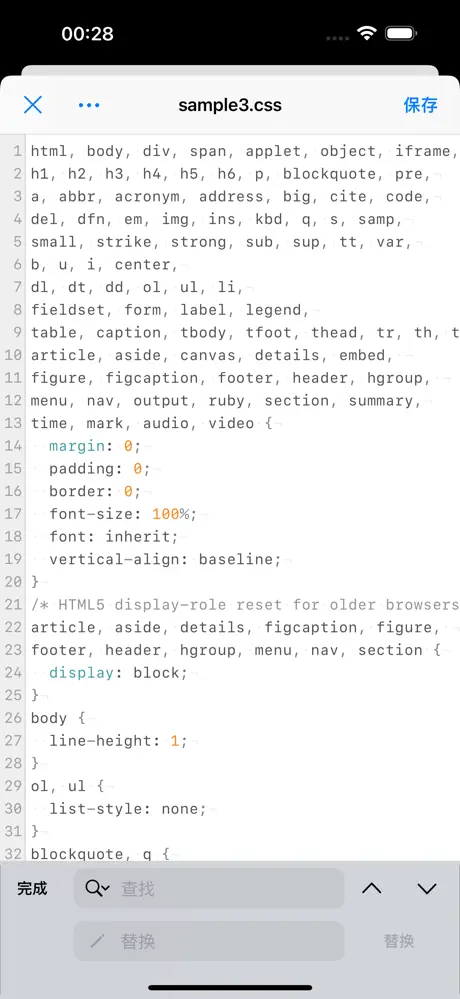
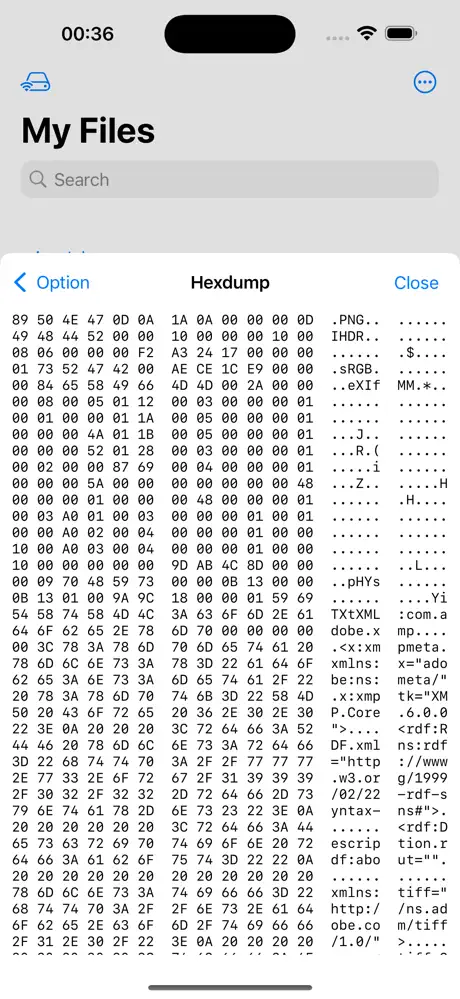
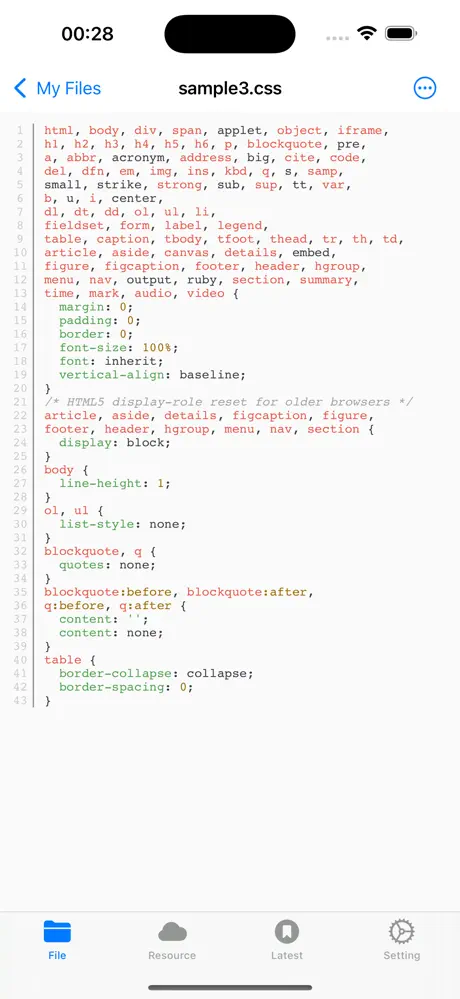
Open huge text and log files with streaming search, inspect bytes in the HEX viewer, and browse SQLite tables, schemas and rows.
Faster File Workflows
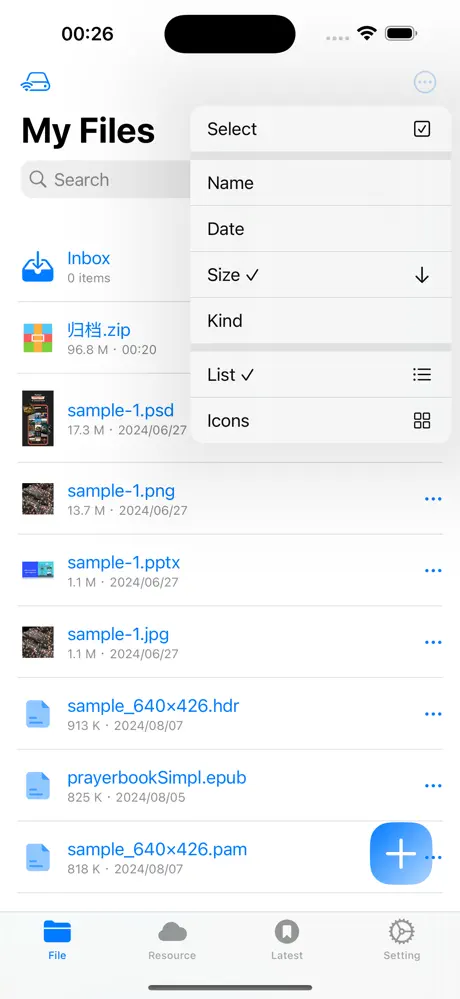
Switch between list and grid views, search or drag files, and move, copy, compress or extract in the background with live progress and cancel.
Books & Comics
Read EPUB, MOBI and TXT with a redesigned bookshelf, bookmarks and read-aloud. Enjoy CBZ and CBR comics in right-to-left or webtoon mode.
Media & More
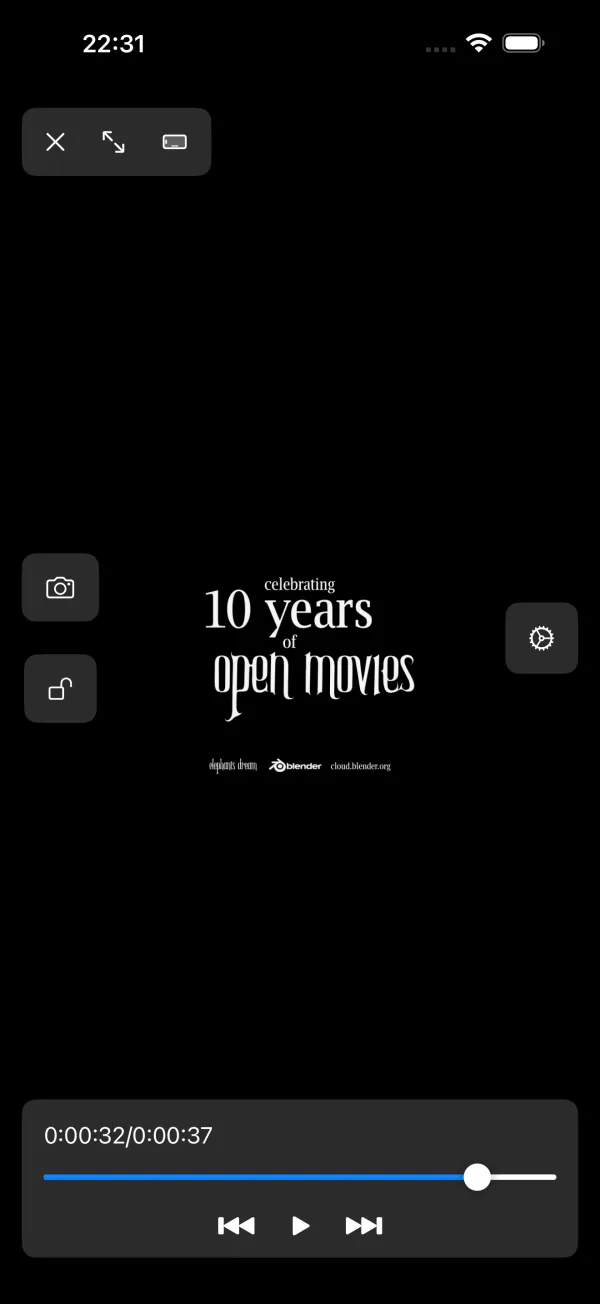
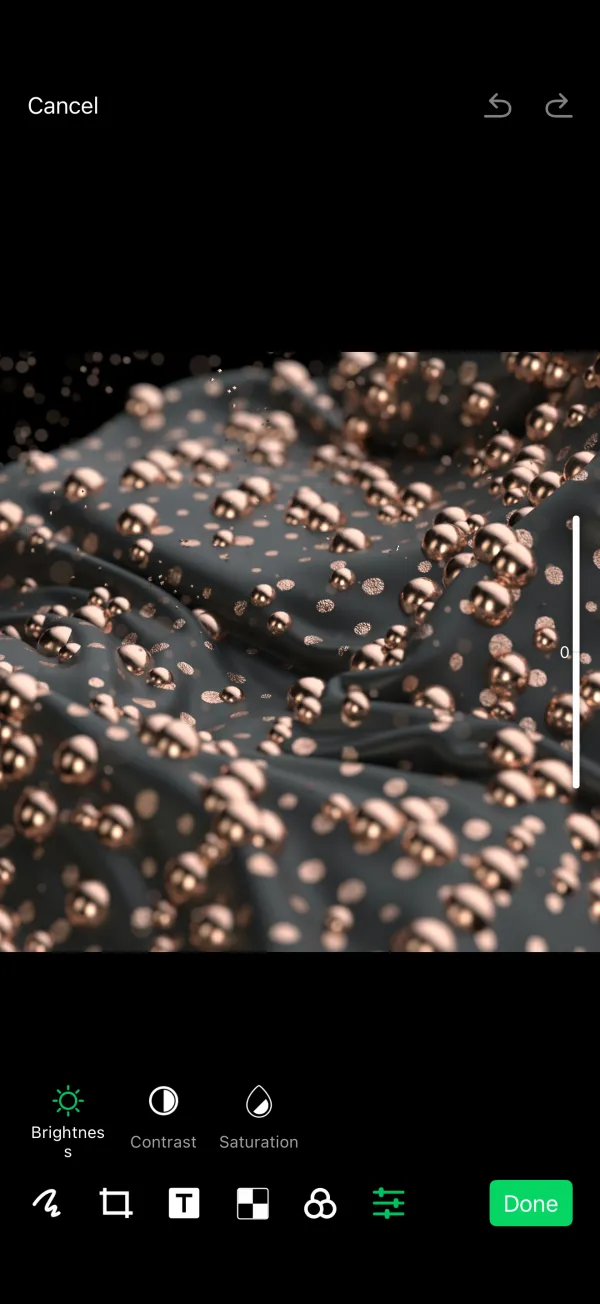
Edit HEIC photos without changing their format, resume videos, and stream remote audio on demand. Preview 3D models and academic papers.
40+ File Tools
Remove image backgrounds, recognize text, edit video and audio, split or watermark PDFs, generate QR codes and compare text.
Archives & Conversion
Extract ZIP, 7Z, RAR, TAR, Brotli and disk images, including encrypted 7Z and multi-volume archives. Create encrypted ZIP files and convert common formats.
Screenshots

Articles about Fileso
View all articlesFilesoHow to Add a Logo or Text Watermark to a PDF on iPhone
Add an image logo or text watermark with Fileso, adjust its appearance, and account for flattened form fields and links.
2 min read
FilesoHow to Add Page Numbers to a PDF on iPhone
Number PDF pages with Fileso after merging or cleanup, choose the placement and style, and verify the flattened output.
2 min read
FilesoHow to Back Up iPhone Photos to a NAS with Fileso
Choose a NAS destination, configure photo access and media types, and verify a Fileso photo backup before removing originals.
2 min read