
HTTPS Capture
Capture and decrypt HTTPS traffic on iPhone
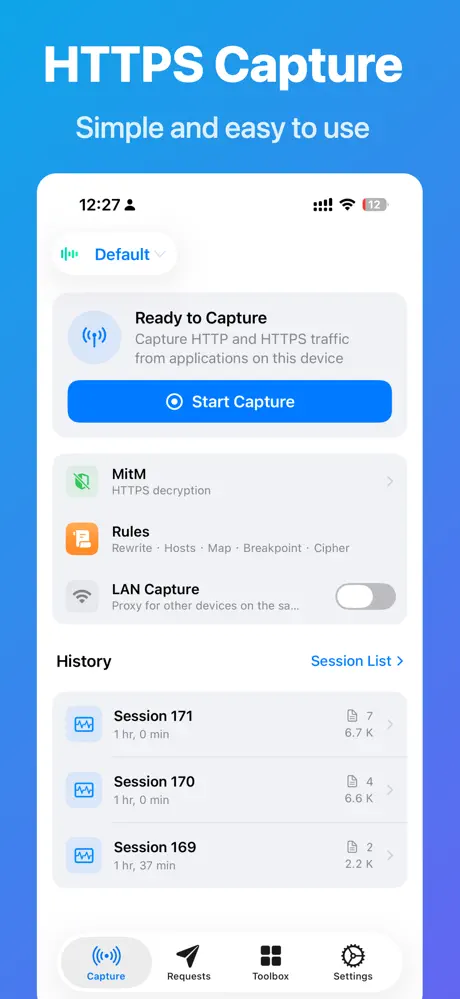
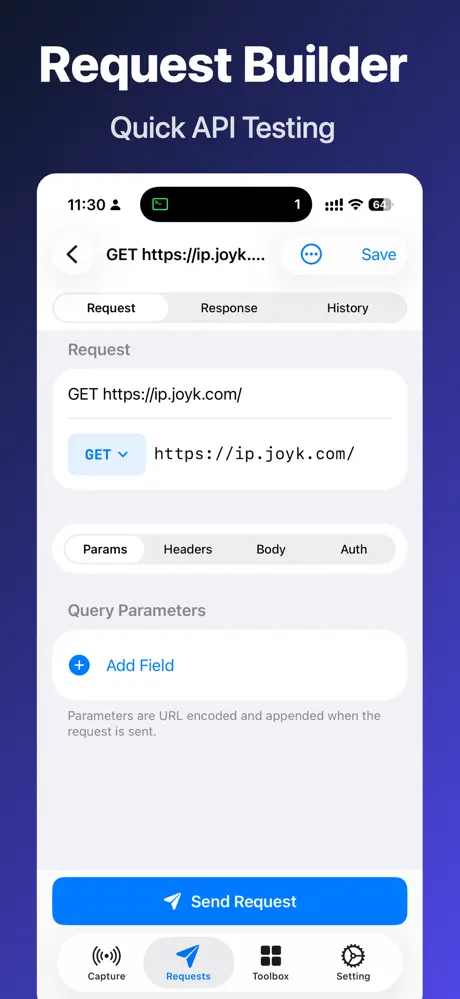
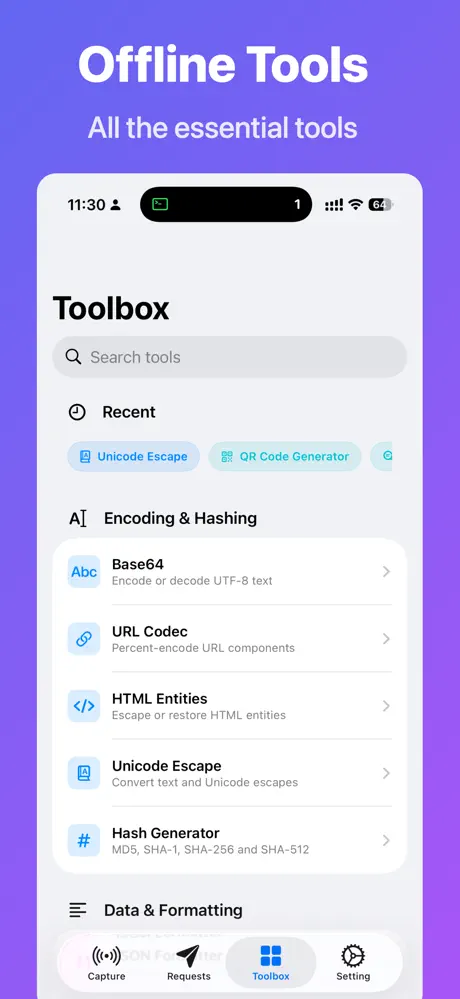
HTTPS Capture is a professional iOS packet sniffer for developers and network enthusiasts. No computer, no jailbreak: a single iPhone captures and decrypts all HTTP/HTTPS traffic on the device, down to every header, body, timing detail and WebSocket frame. All traffic stays on the device.
Free on the App StorePrivacy policy
Features
One-Tap Capture
VPN tunnel and local MITM proxy capture device-wide traffic instantly, with a live dashboard and auto-archived sessions.
HTTPS Decryption
Built-in CA certificate generation with a one-tap trust flow turns encrypted traffic into readable plaintext.
Live Traffic Rules
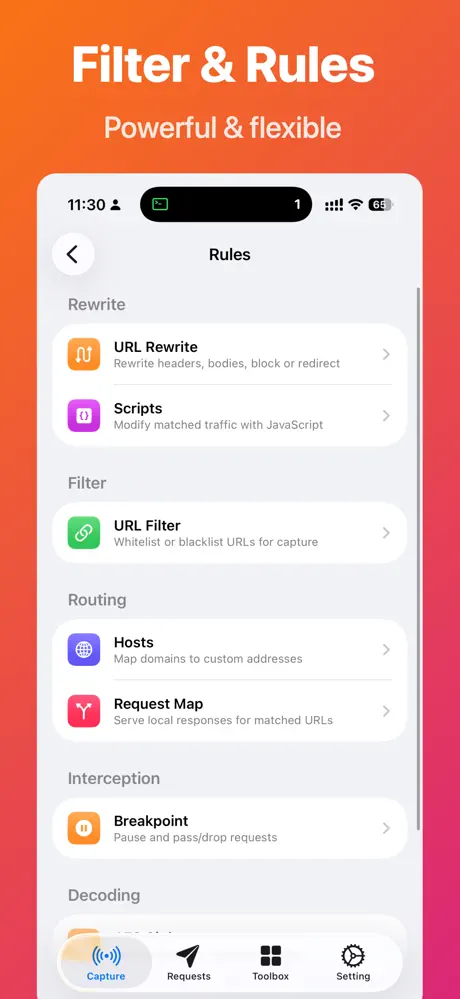
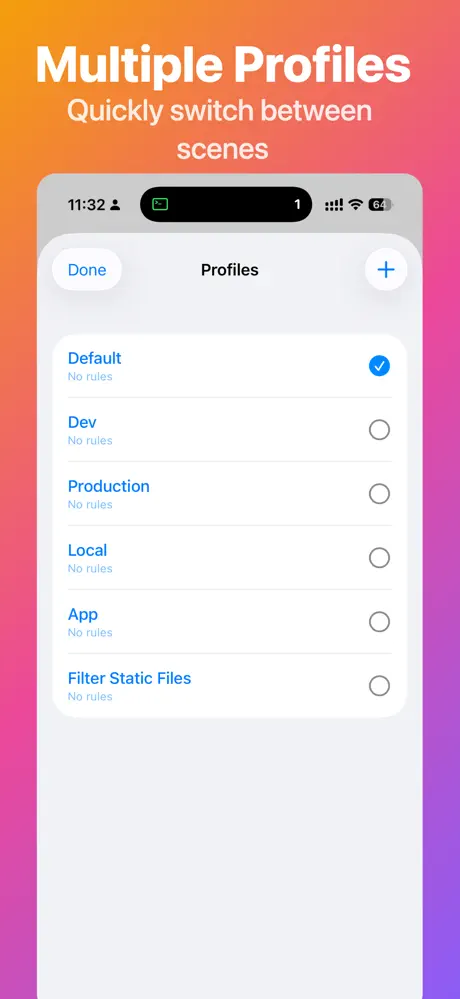
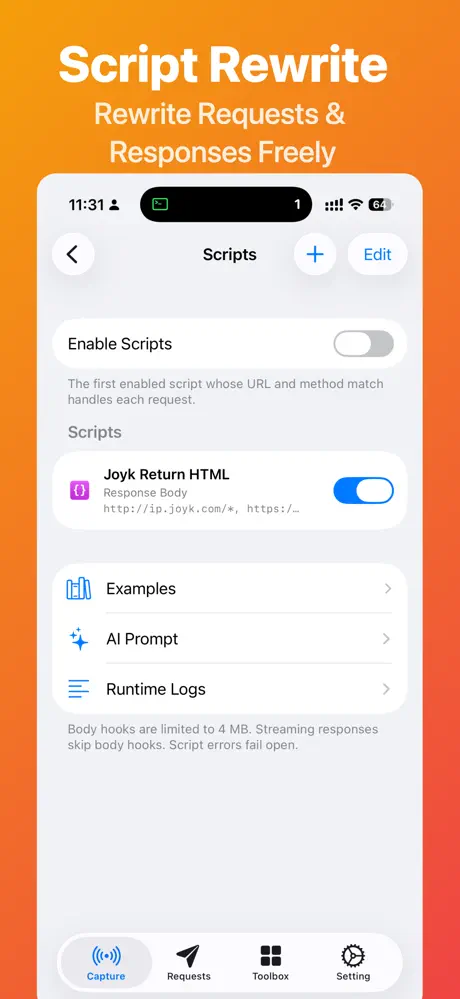
URL rewrite, script injection, hosts mapping, mock responses, breakpoints and AES decryption, applied instantly.
Pro Inspection
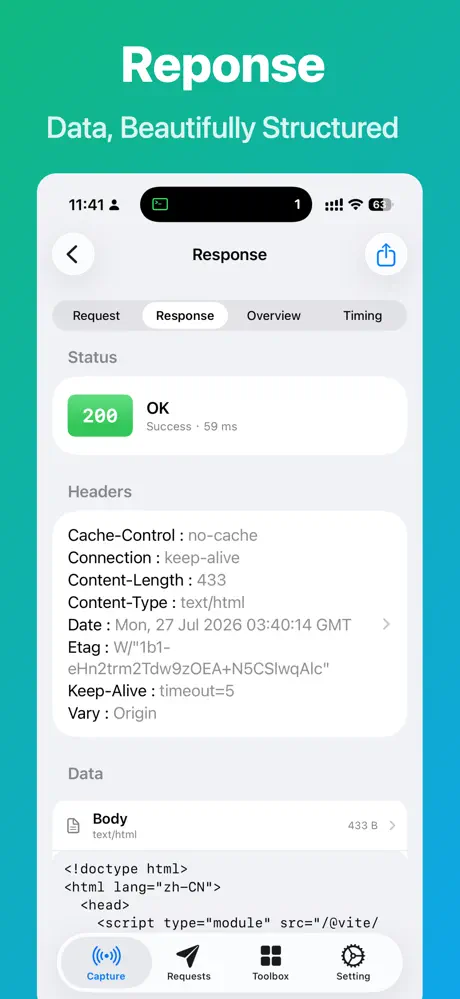
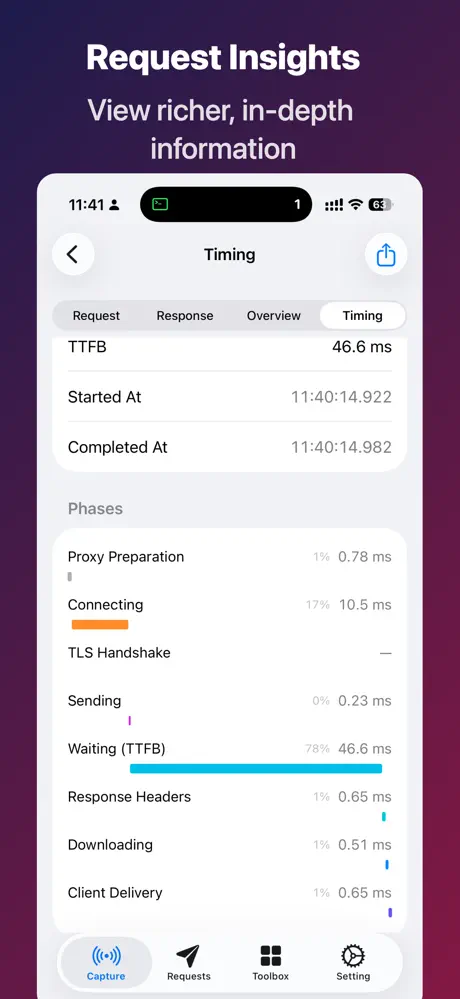
JSON highlighting, hex dump, WebSocket frames with Protobuf decoding, timing view and one-tap HAR export.
Screenshots
Articles about HTTPS Capture
View all articlesHTTPS CaptureHow to Capture HTTPS Traffic on iPhone Without a Computer (No Jailbreak)
A step-by-step guide to sniffing and decrypting HTTP/HTTPS requests directly on iPhone with HTTPS Capture: no Mac, no proxy setup, no jailbreak.
3 min read
HTTPS CaptureHow to Install and Trust a Root CA Certificate on iPhone for HTTPS Decryption
Install the HTTPS Capture CA profile, enable full trust in Certificate Trust Settings, and fix the common case where HTTPS still is not decrypted.
3 min read
HTTPS CaptureCharles Proxy Alternative for iPhone: Debug HTTPS Without a Mac
Do the everyday Charles Proxy jobs on iPhone itself: HTTPS decryption, Map Local, Map Remote, breakpoints, rewrite and HAR export.
2 min read