Calo, previously known as Calculator⁷ and Resolve, is a free, ad-free calculator for iPhone and iPad. Start with an everyday expression, switch to scientific functions when needed, or open Tools for converters, programmer calculations, reusable formulas and a math notepad.
Enter and edit an expression
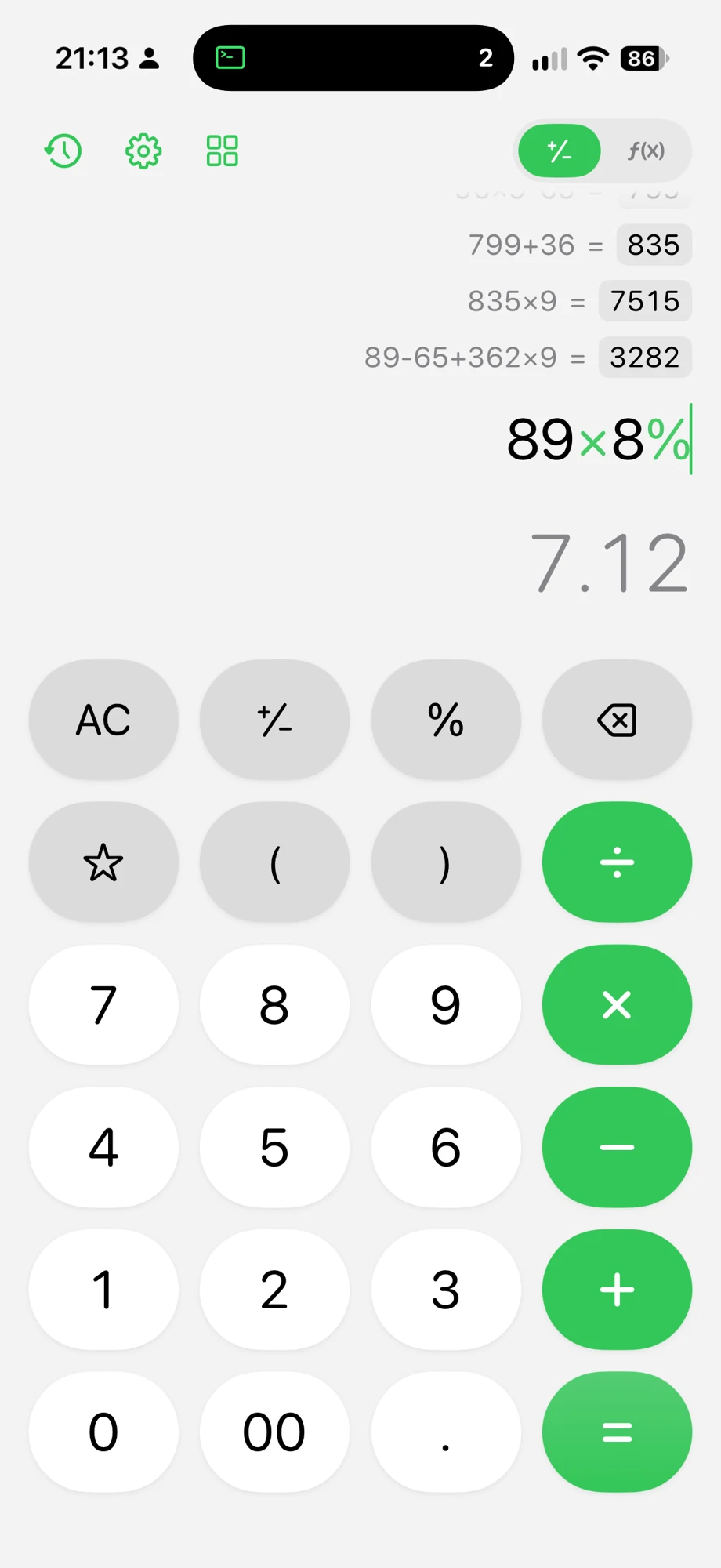
Type an expression such as 24 × 3 + 18 and read the result as you work. Move the cursor to correct a number or operator instead of rebuilding the calculation. You can also paste an expression and use a hardware keyboard on iPad.
For example, changing the first number from 24 to 26 changes the result from 90 to 96. Parentheses let you make the intended order explicit: (24 + 18) × 3 gives 126.
Switch to scientific mode
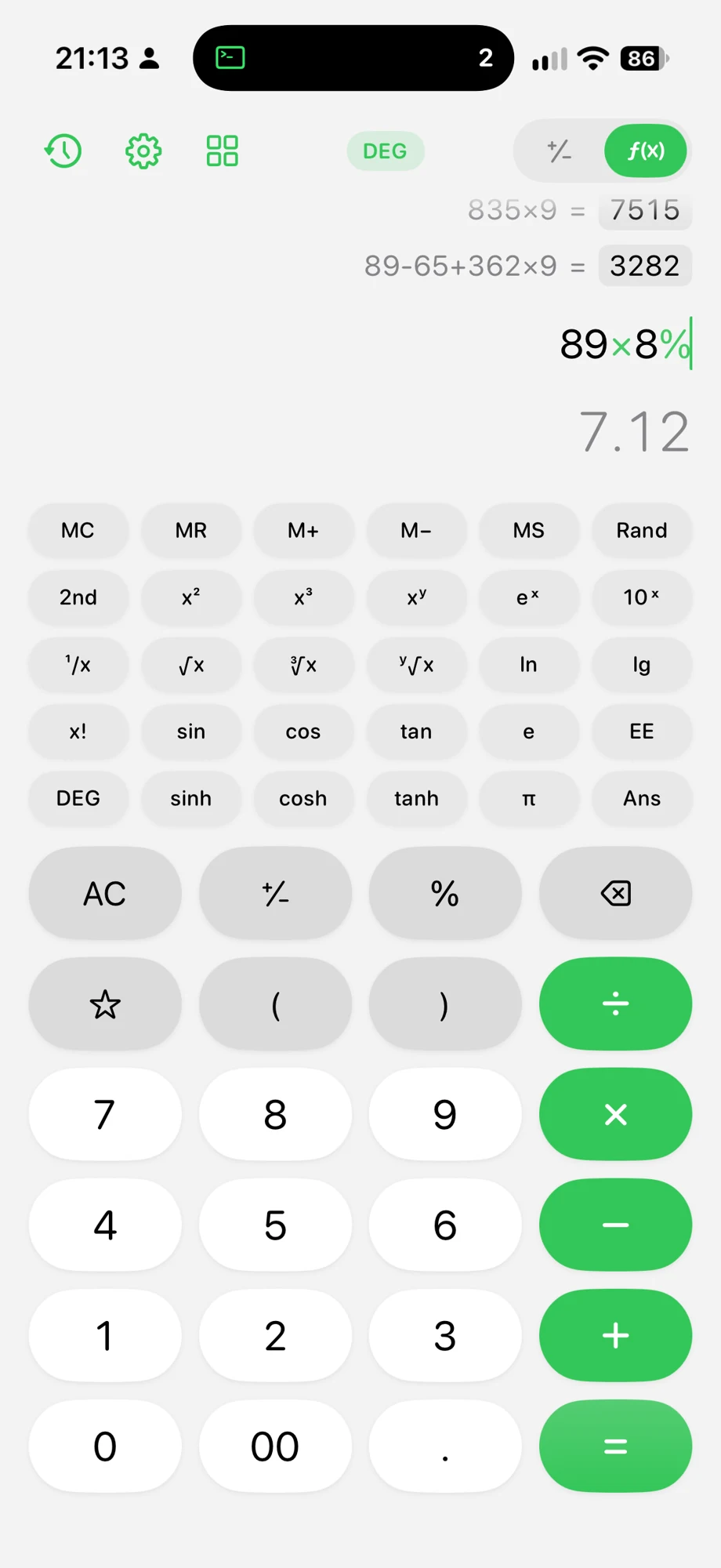
Tap f(x) at the top of the calculator to reveal powers, roots, logarithms, trigonometric and hyperbolic functions, factorials, constants and memory keys. Check whether you are using degrees or radians before entering an angle. For example, sin(30) is 0.5 in degree mode.
Tap a result to cycle through its available formats, including rounded, full-precision, fraction when available, and scientific notation. Decimal-place settings control the display; they do not improve the accuracy of the numbers you entered.
Search and reuse your history
Open the history button at the top left to find earlier expressions and results. Search for an entry, add a note to explain it, or reuse an expression for another calculation. Export history as CSV for a spreadsheet or as a receipt-style image for sharing.
See the calculation history guide for search, notes and export steps.
Open Tools
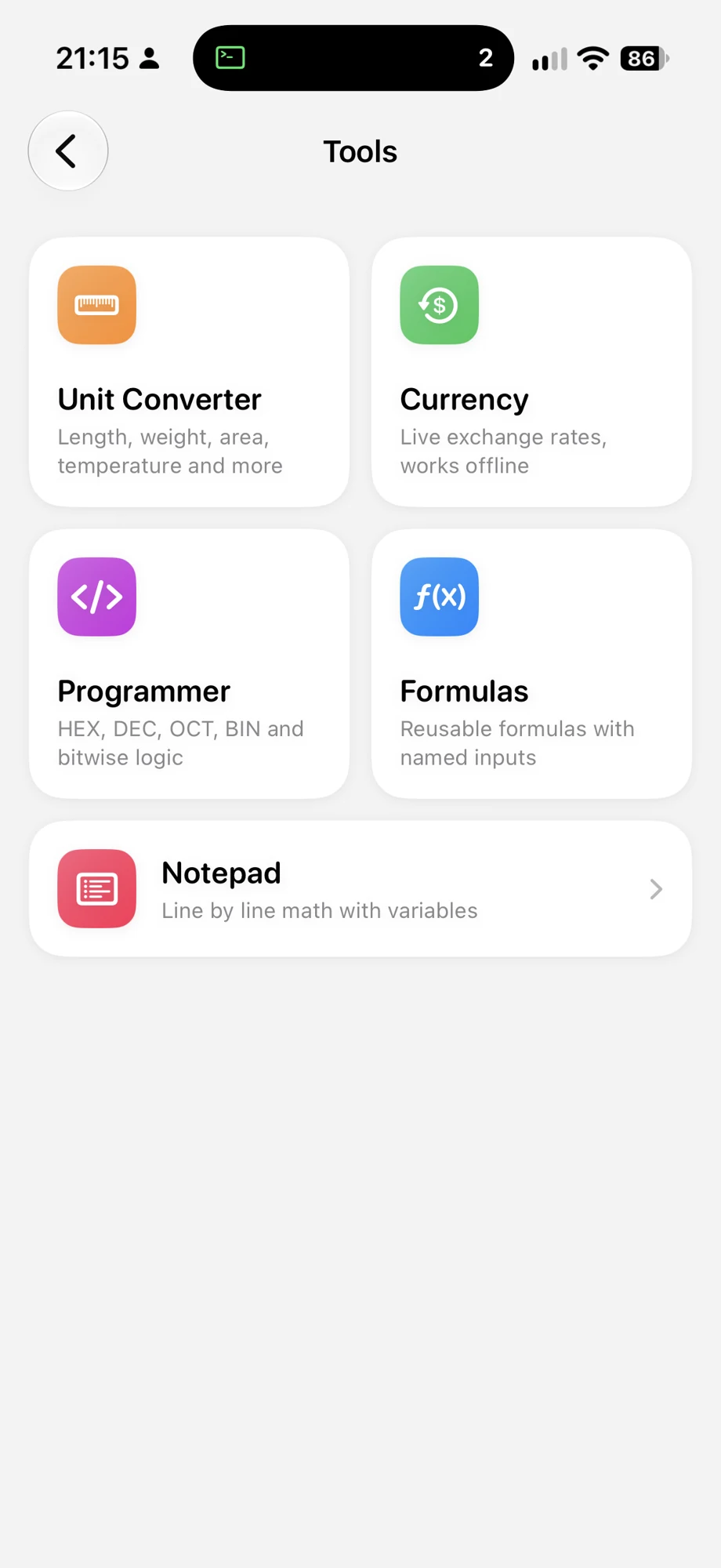
Tap the four-square icon on the main calculator to open Tools.
| Tool | What you can do |
|---|---|
| Unit Converter | Convert length, area, volume, weight, temperature, time, speed, data, pressure, energy, power and angles. |
| Currency | Convert using downloaded exchange rates and use the last saved rates offline. Check the displayed update time; offline rates do not refresh. |
| Programmer | Switch between HEX, DEC, OCT and BIN, use bitwise operations and inspect bits with an 8-, 16-, 32- or 64-bit word size. |
| Formulas | Save an expression with named inputs and change those inputs to recalculate. Templates include discounts, tip splits, compound interest and loan payments. |
| Notepad | Write math line by line, mix in notes, define variables and reuse them in later lines. |
Try a reusable formula
Open Formulas and start with Discounted Price, or create a formula using price*(1-discount/100). The names become inputs. With price = 80 and discount = 15, the result is 68. Change an input to compare another price without editing the formula itself.
Try a math notepad
Open Notepad and enter these lines:
price = 24
quantity = 3
price * quantity + 18
The last line gives 90. Change price on the first line to update the calculations that depend on it. Use variables for repeated values and plain notes to explain what you are calculating.
Check number bases
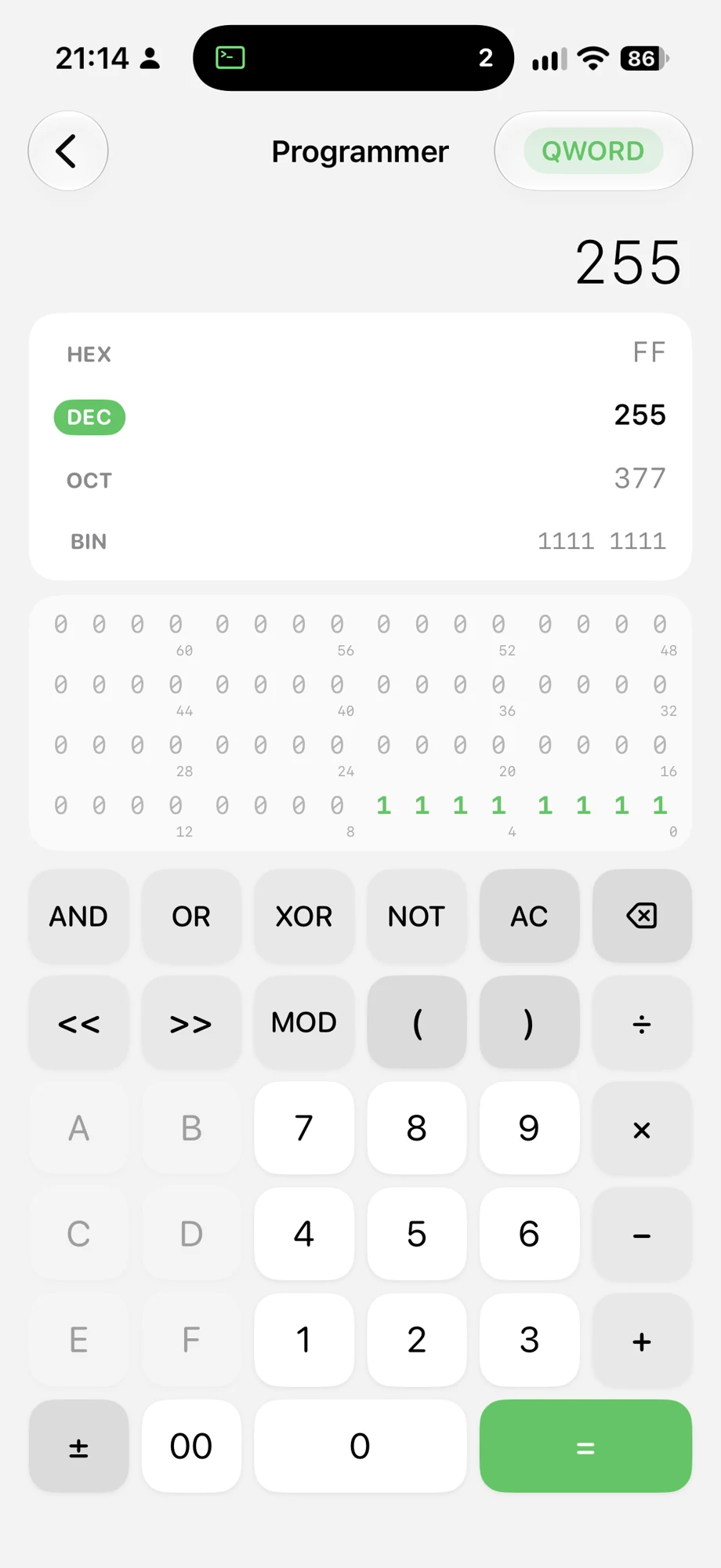
Open Programmer, select DEC and enter 255 with QWORD selected. The same bit pattern appears as FF in HEX, 377 in OCT and 1111 1111 in BIN. Word size matters: in signed 8-bit BYTE mode, the bit pattern FF represents -1.
Customize Calo and keep results nearby
Settings include light and dark themes, accent colors, sounds, decimal places and optional iCloud sync. Widgets show recent results, while Siri and Shortcuts provide ways to calculate or retrieve the latest result. On iPad, use Calo beside a document in Split View and enter expressions with a hardware keyboard.

Ready to try it?
Calo · Everyday math, scientific power, useful tools
Free on the App Store