Fileso can convert a Telegram .tgs animated sticker to a GIF on iPhone or iPad. TGS stores a compressed Lottie animation; GIF is easier to open in apps that do not understand Telegram stickers, though it may be larger and loses the vector format’s scalability.
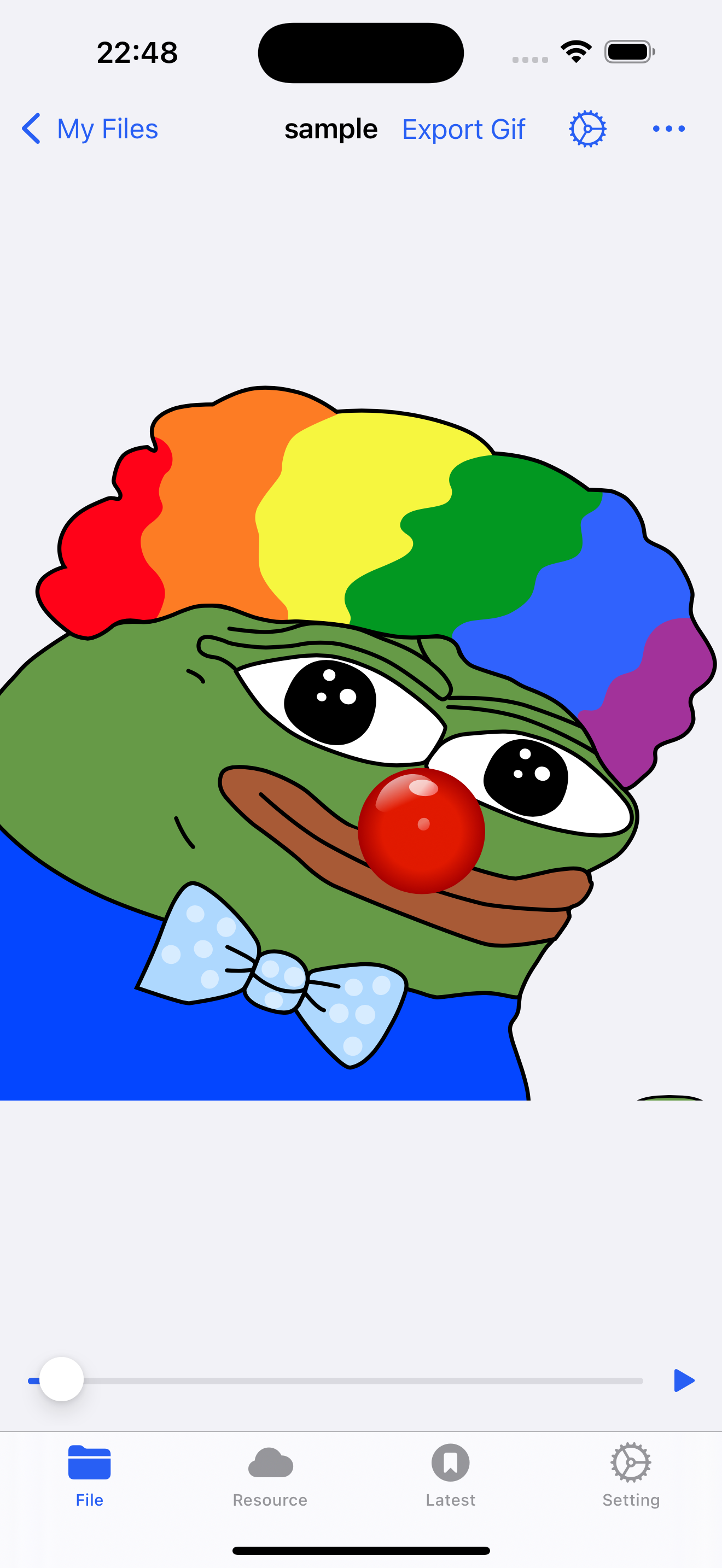
Convert the sticker
- Save the
.tgsfile to a location Fileso can access. - Find the file in Fileso and open its More actions.
- Choose Convert to GIF and wait for the new file to appear.
- Open the GIF to check its timing and appearance, then share the result if it looks right.
Fileso extracts the TGS data and renders its animation as GIF frames. Keep the original sticker: conversion creates a different format, and not every visual effect will look identical after rasterization.
If the result is missing or looks wrong
First confirm the source really is a TGS file. A renamed JSON or damaged download is not a valid TGS archive. Try opening the source again or downloading a fresh copy. If the GIF exists but appears different, compare it with the sticker in Telegram before using it in a project.

Ready to try it?
Fileso · File manager, PDF editor and powerful file tools
Free on the App Store